BaseRock Setup
Prerequisites
-
Access to BaseRock AI: This guide assumes you have access to the BaseRock AI SaaS platform or a Control Plane deployed in your VPC that allows you to configure your application. We’ll use the SaaS-based control plane for illustration. If you need access, email sales@baserock.ai.
-
Your Application: You need an environment running your application so that the BaseRock agent can target it and execute all functional test cases.
If you do not have an application set up, you can use the sample TODO List application available in appendix. The respective README file can be found on the GitHub repo, which describes how to set up the application locally.
- Admin Access to Source Code Repository: BaseRock installs an app via OAuth in your GitHub, Bitbucket, or GitLab repository that allows BaseRock to access the source code and learn about your application. This requires someone with admin access.
First Time Setup
1. Login:
For a newly created account, you can log in with email using these steps:
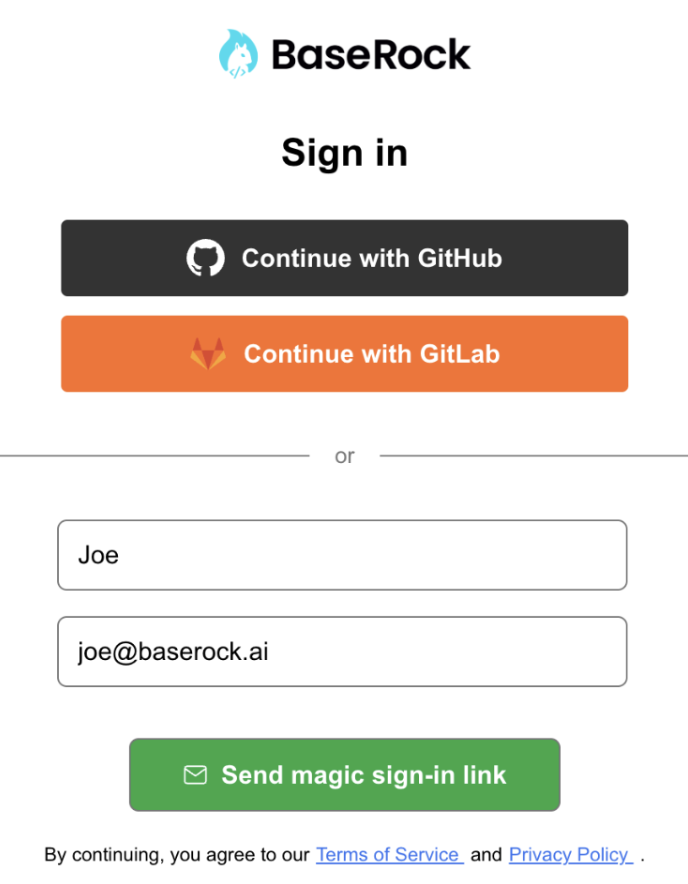
- Open the Control Plane URL in your browser (https://app.baserock.ai for SaaS)
- Use GitHub or GitLab via OAuth in your browser, or log in with your name and email address.
- Enter your name and email address.
- Go to your inbox and find the email sent by BaseRock AI. Note: Check the spam folder if it does not appear in the inbox.
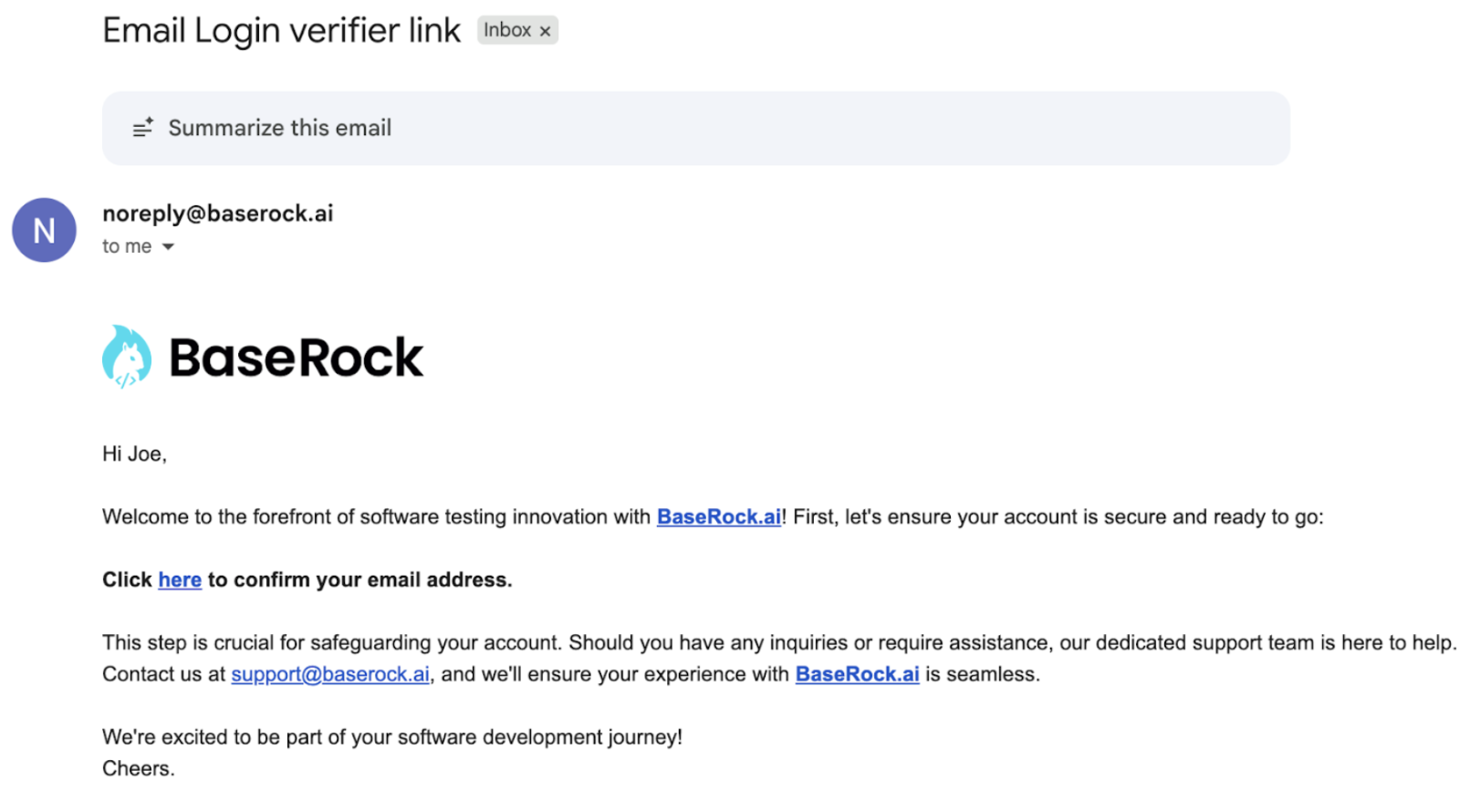
- Click the link under “Click here to confirm your email address”
- Go back to the BaseRock AI tab and click the REFRESH button
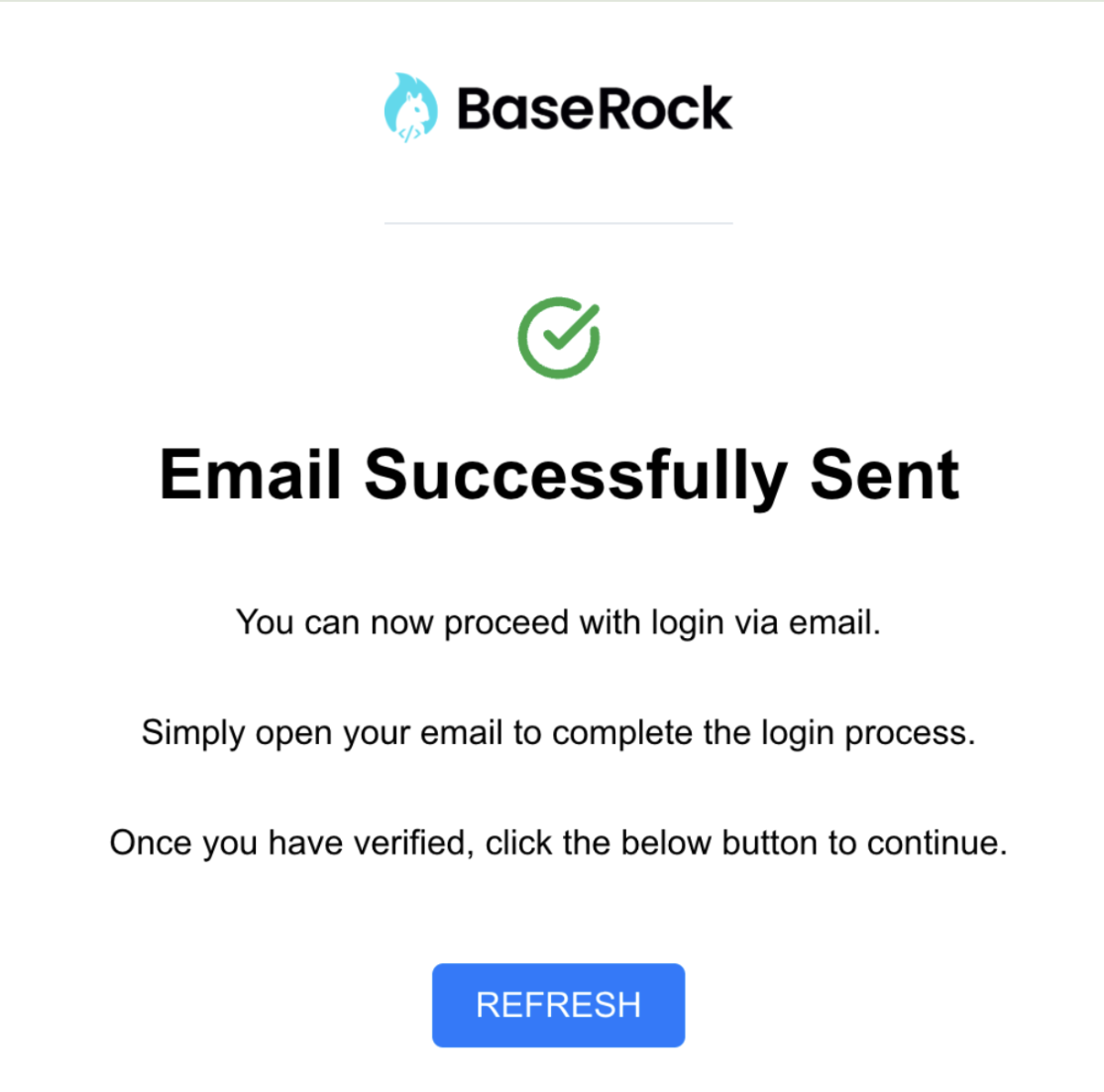
You should now have access to the BaseRock AI application.
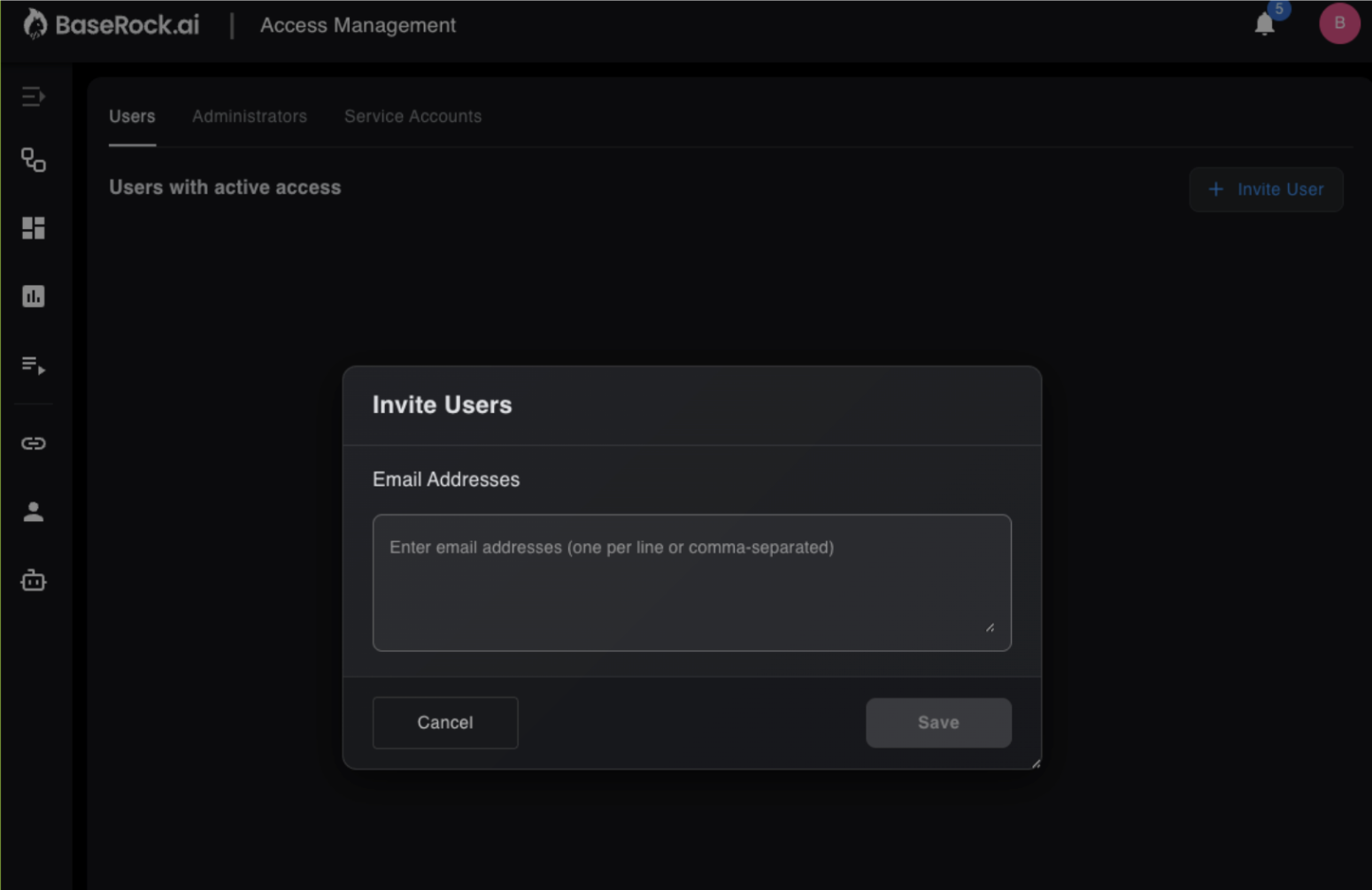
2. Invite Team members
3. Setup LLM Provider
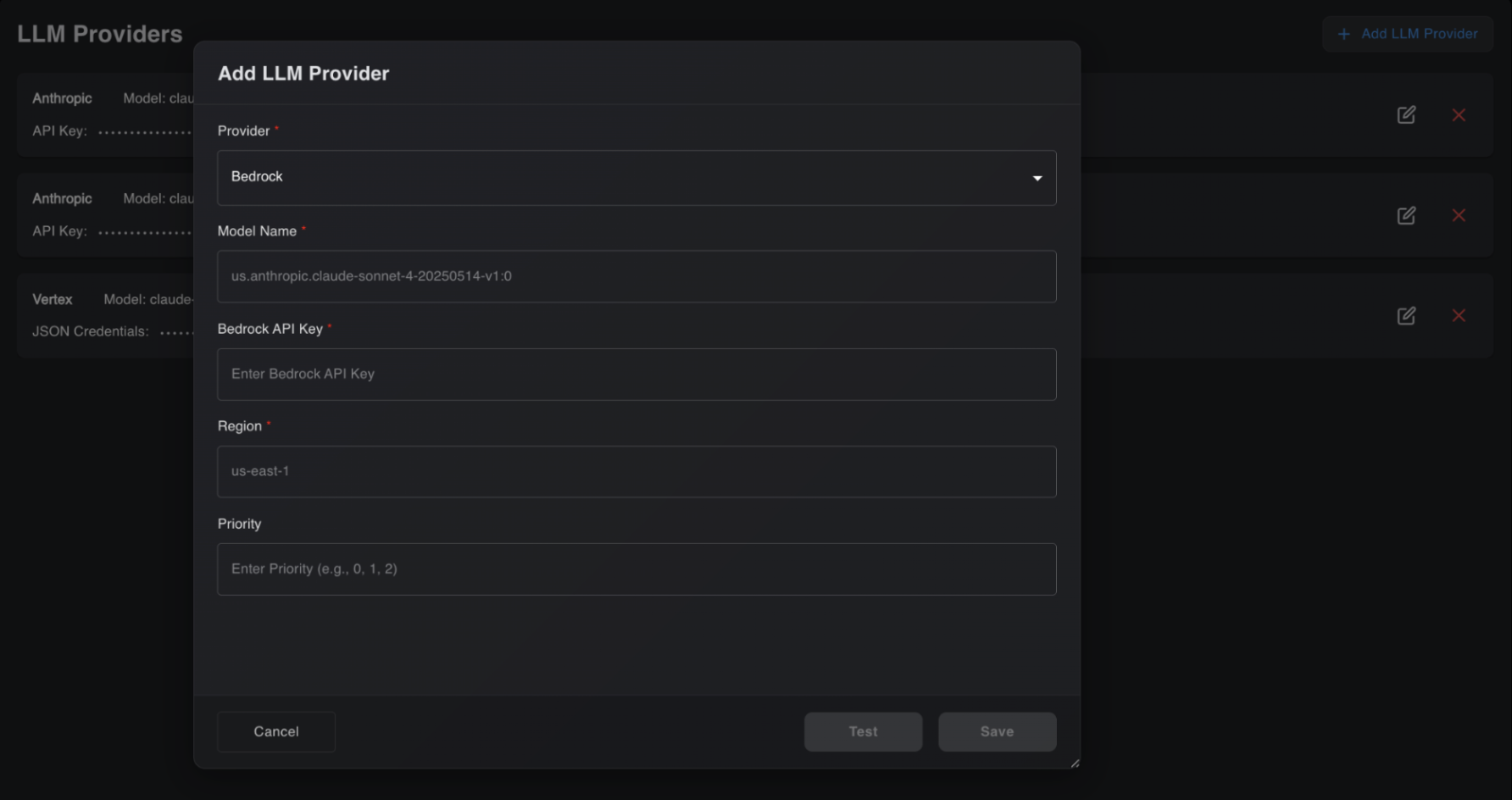
BaseRock operates using the client’s LLM API key and offers broad support for leading providers such as Anthropic, OpenAI, and models available through Azure, Amazon Bedrock, and Google Vertex, or by providing the API key directly.
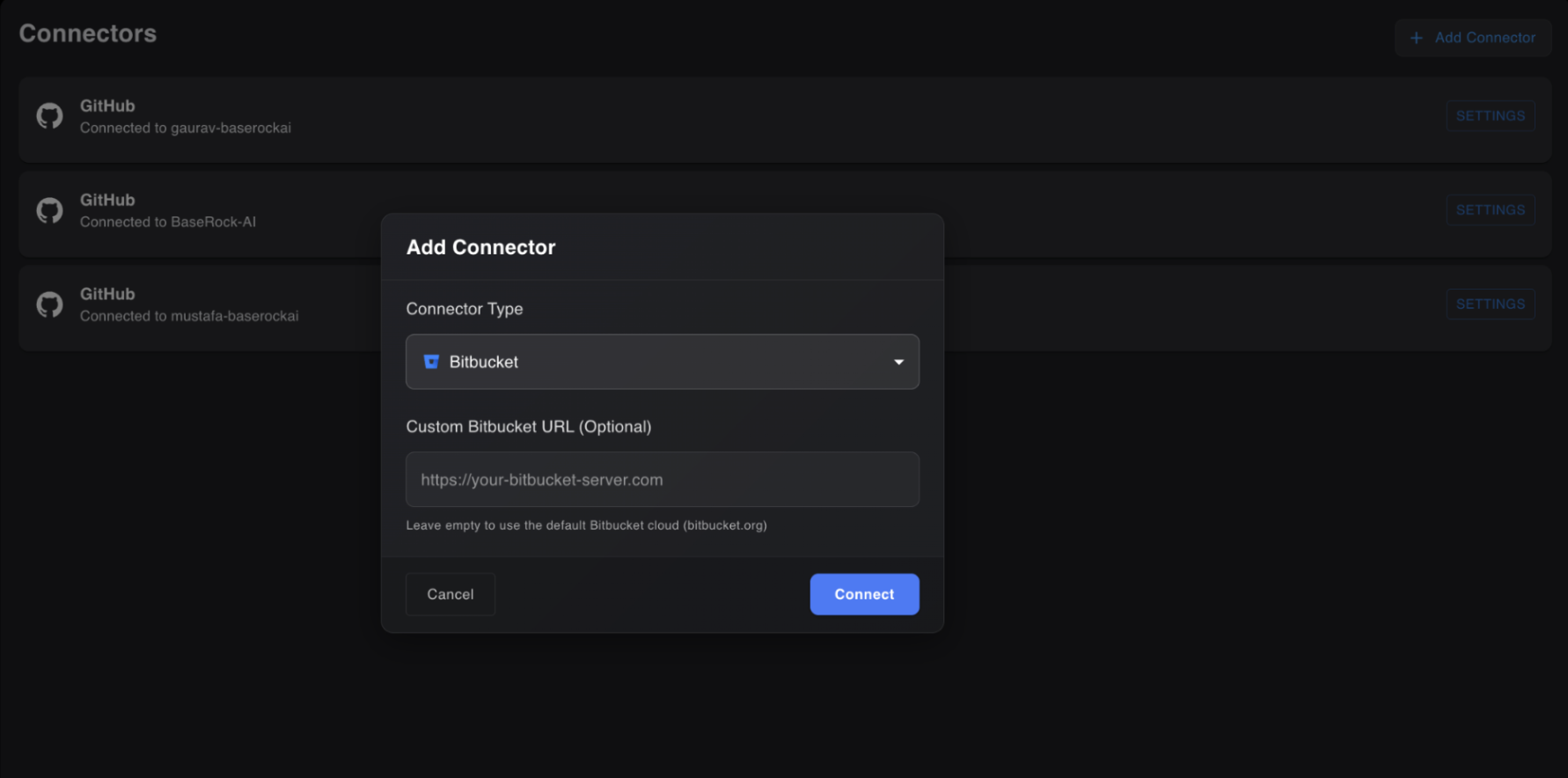
4. Add Connector
BaseRock supports git connectors for Bitbucket (Cloud and Native) and GitHub (Cloud). Access is read-only for the source code, following strict compliance as BaseRock is SOC-Type 2 certified.
Note: For first-time setup, a repository admin needs to provide approval.